Mobile App

Download the casinoplush App for Android and iOS — Play Anywhere in the Philippines

Carry the full casinoplush experience in your pocket. Slots, live casino, eBingo, sports betting, and account management — all in Philippine Peso, secured with OTP login and SSL, accessible from your Android or iOS device wherever you are.

Register or log in to access the download link for your device.

casinoplush

Get the casinoplush App on Your Device

The casinoplush app is available for Android phones and tablets as well as iPhone and iPad. Both versions give you complete access to the platform with the same features and PHP balance.

iOS App

iOS 13.0 and above required

  • Full Game Lobby access
  • Slots, live casino & eBingo
  • Sports betting & live markets
  • PHP deposits & withdrawals
  • Face ID / Touch ID login
  • KYC verification in-app
Download for iOS

Login or register to access the iOS install link

Mobile Browser

Any modern browser — no install needed

  • No download required
  • Same full game library
  • Works on any smartphone
  • PHP transactions supported
  • SSL secured sessions
  • No push notifications
Play in Browser

Open casinoplush.app in your mobile browser


Why Download the casinoplush App Instead of Using the Browser

Most casinoplush players in the Philippines use a mobile phone as their primary device, and the platform is built with that in mind. While the mobile browser version of casinoplush is fully functional and provides access to everything on the platform, the dedicated app offers a more streamlined experience that is worth installing if you play regularly.

The app loads faster because it does not need to render a full webpage on every visit — the interface and core assets are already on your device, so you get into your game or account faster each time. Push notifications mean you can stay informed about your account status and platform updates without needing to open the app first. Login via biometrics — Face ID on iPhone or fingerprint on Android devices that support it — removes the need to type credentials every session.
casinoplush

Everything Inside the App

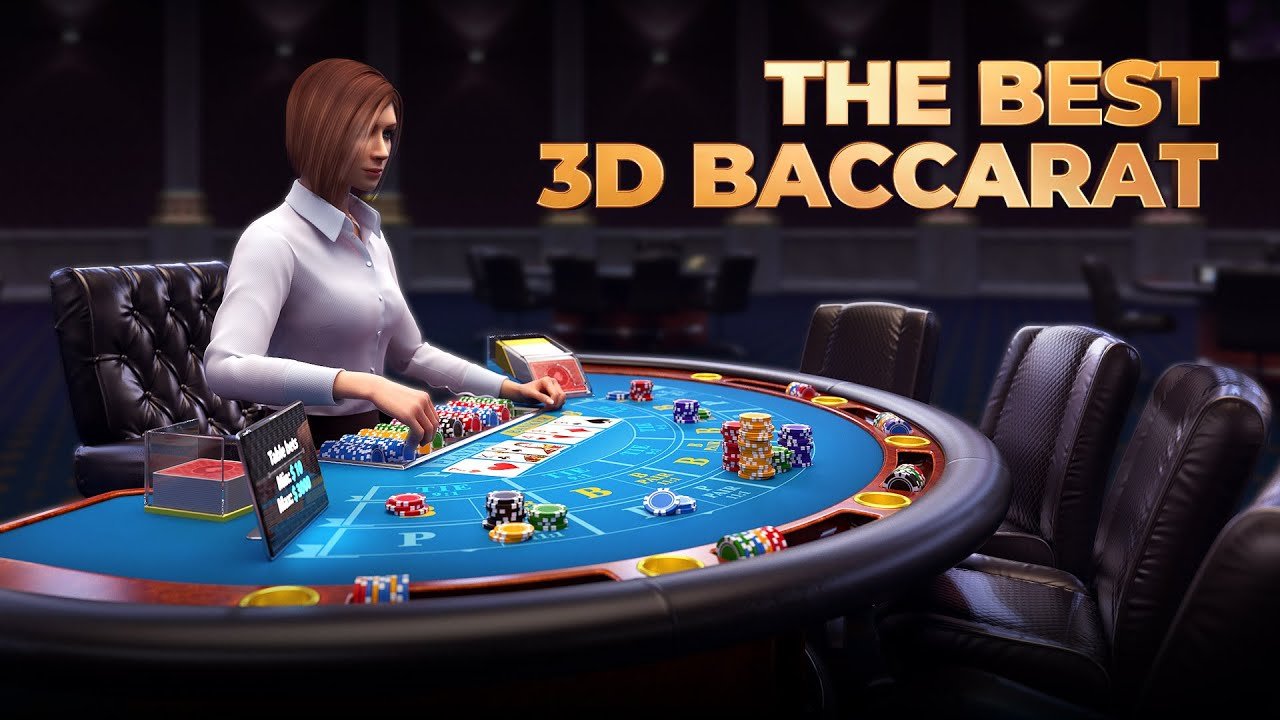
The casinoplush app is not a stripped-down version of the platform — it includes the full Game Lobby with every category available. Slots players get access to the complete library including classic reels, video slots, and progressive jackpot titles. Live casino tables — Baccarat, Roulette, Blackjack, and poker variants — run continuously in the app with the same HD streaming quality as the desktop version. eBingo rooms and their draw schedules are accessible from the app's lobby section just as they are on the website.

Sports betting and pre-match markets are fully functional in the app too. For players in Manila, Cebu, or Davao who want to check PBA odds or place a bet on an upcoming basketball game before tip-off, the app gives you a clean, fast interface to do that from wherever you are. Live in-play markets update in real time, and your PHP account balance is always visible at the top of the screen.

Account Management Within the App

Depositing and managing your casinoplush account is built directly into the app. Philippine local payment options — online banking, bank transfer, GCash, and Maya — are accessible from the cashier section within the app. Your transaction history, account settings, KYC document upload, and support access are all available without leaving the app environment.

casinoplush

Installing the Android APK

The casinoplush Android app is distributed as a direct APK download rather than through the Google Play Store. This is common practice for online gaming apps in the Philippines. Installing an APK from a trusted source is straightforward, though it does require enabling installation from unknown sources on your Android device — a simple one-time setting change in your phone's security or app management settings.

After downloading the APK file from your casinoplush account page, open the file and follow the on-screen installation prompts. The process typically takes under a minute on most Android phones. Once installed, the casinoplush icon appears in your app drawer and home screen, and you can log in with your existing account credentials or register if you are new to the platform.

Important: Only Download from casinoplush

Always download the casinoplush APK from within your official casinoplush account or directly from casinoplush.app. Do not install APK files from third-party websites, file-sharing services, or social media links — these may contain modified files that could compromise your device or account security. The official download link is available after you log in or register on the platform.

Installing the iOS App

iPhone and iPad users can access the casinoplush iOS app through the link provided after login on the platform. The installation method for iOS gaming apps is delivered via a secure profile or TestFlight-style link — your casinoplush account page will have the current iOS install instructions once you are logged in. The process is guided and takes only a few minutes.

iOS 13.0 or higher is required. Most iPhones from iPhone 6s onwards running a current iOS version are compatible. If you are unsure whether your device is supported, check your iOS version in Settings before attempting to install.

Your App Is Secure
The casinoplush app uses SSL encryption for all communications between your device and the platform. Account login is protected by OTP verification, and biometric login options add an additional layer of security on supported devices. Your personal data and transaction history are handled in accordance with our Privacy Policy.

Mobile Data Usage and Connectivity

For most game types in the casinoplush app, a standard mobile data connection is more than sufficient. Slot games, eBingo, and sports betting use modest data amounts. Live casino play requires more because of the continuous HD video stream from the dealer table — a stable connection on LTE or a good Wi-Fi signal in your location in Manila, Quezon City, Cebu, or elsewhere will give you a smooth live casino experience on mobile.

The app handles brief connection interruptions gracefully for most game types — your session and account balance are preserved server-side, so a momentary drop in signal does not affect your account standing. Live casino sessions may require a manual reconnection if the interruption is extended.

Play Responsibly on Mobile — 21+ Only

The casinoplush app makes gaming convenient and accessible, which is why responsible gaming habits matter even more on mobile. Set session limits, keep gaming as entertainment, and visit our Responsible Gaming page for tools and support. All platform features are for players aged 21 and above.


Ready to Download?

Register your casinoplush account first, then access the app download link for Android or iOS from your account page.

Create Account Login for Download Link

How to Install the casinoplush App Step by Step

The installation process is simple and takes just a few minutes on either Android or iOS. Here is exactly what to do.

casinoplush
1
Register or Log In to Your Account

Visit casinoplush.app on your mobile browser, register a new account or log in if you already have one, and complete KYC verification to unlock full platform access including the app download link.

2
Go to the Download Section in Your Account

After logging in, navigate to the Download section from the menu or your account dashboard. Your device type (Android or iOS) will be detected and the correct download option shown.

3
Android: Enable Unknown Sources and Install the APK

For Android, tap the download link to get the APK file. When prompted, allow installation from this source in your device settings. Open the APK file and follow the on-screen steps to complete installation.

4
iOS: Follow the Install Profile or Link

For iPhone or iPad, tap the iOS install link and follow the on-screen instructions to add the app to your device. You may be asked to trust the app profile in your iOS Settings under General > VPN & Device Management.

5
Open the App and Log In

Once installed, open the casinoplush app from your home screen. Log in with your existing account credentials. Your PHP balance and the full Game Lobby are immediately accessible.

Register to Get Started

App vs Mobile Browser — Which Is Right for You

Both options give you access to the full casinoplush platform. Here is how they compare on the features that matter most to players in the Philippines.

Feature Android App iOS App Mobile Browser
Full Game Lobby
PHP Deposits & Withdrawals
Live Casino Streaming
Push Notifications —
Biometric Login —
Faster Load Time —
No Install Required — —
Works on Any Device — —
In-App KYC Verification

What You Get with the casinoplush Mobile App

Complete Game Lobby

Every game category available in the app — slots, live casino, eBingo, sports, and betting. The same full library as desktop, optimised for touch.

Push Notifications

Stay informed about your account activity, match start times for sports bets, and platform updates without needing to open the app first.

Biometric Login

Log in quickly and securely using fingerprint or Face ID on supported Android and iOS devices. No need to type your password every session.

PHP Transactions In-App

Deposit in Philippine Peso and manage withdrawals directly within the app using online banking, bank transfer, GCash, or Maya.

Secured with SSL & OTP

All communication between the app and the casinoplush platform is SSL encrypted. Account login is protected by OTP verification as an additional layer of security.

HD Live Casino on Mobile

Live dealer table streams render in HD quality in the app, giving you a clear view of the cards, wheel, and dealers from your phone screen.


Common Questions About the casinoplush App Download

The official casinoplush app download link for Android (APK) and iOS is available after you log in or register on the platform. Go to the Download section from your account page or from the main navigation menu after logging in. Never download the APK from third-party websites — only use the link provided directly by casinoplush to ensure you are installing the genuine, secure app.

Google Play Store has restrictions on real-money gaming apps in certain markets, which is why the casinoplush Android app is distributed as a direct APK download. This is standard practice for reputable online gaming platforms serving the Philippines. Installing an APK from an official source is safe — you simply need to allow installation from unknown sources in your Android settings during the one-time setup.

You need Android 8.0 (Oreo) or higher to install and run the casinoplush app. Most Android phones released from 2018 onwards run Android 8.0 or a newer version. You can check your Android version in Settings under About Phone. If your device runs an older version, the mobile browser option at casinoplush.app provides full access without any installation.

For most game types — slots, eBingo, and sports betting — the casinoplush app uses modest mobile data. Live casino play uses more data because of the continuous HD video stream from the dealer studio. For regular live casino sessions, a Wi-Fi connection or a mobile data plan with a good LTE signal is recommended to ensure smooth, uninterrupted streaming.

Yes. The casinoplush app uses the same account system as the website. Log in with your existing username and password in the app and your full account — including your PHP balance, transaction history, KYC status, and game history — is exactly as you left it on the website. You do not need to create a new account for the app.